Canon Component Library
In the early 2000s I built my first websites in Dreamweaver and FrontPage, then watched them fall apart in another browser. Looking for the reason led me to the browser wars, the Web Standards Project and finally Dave Shea’s CSS Zen Garden: one HTML file, hundreds of designs, and not a single change to the markup. It’s why I learned HTML and CSS properly.
Twenty years of interface work later, most of it textboxes, checkboxes and radio buttons wrapped in more and more tooling, I still wanted that simplicity back. I could picture it but couldn’t build it. This year, working with Claude, I finally did. Canon is my first open-source project.
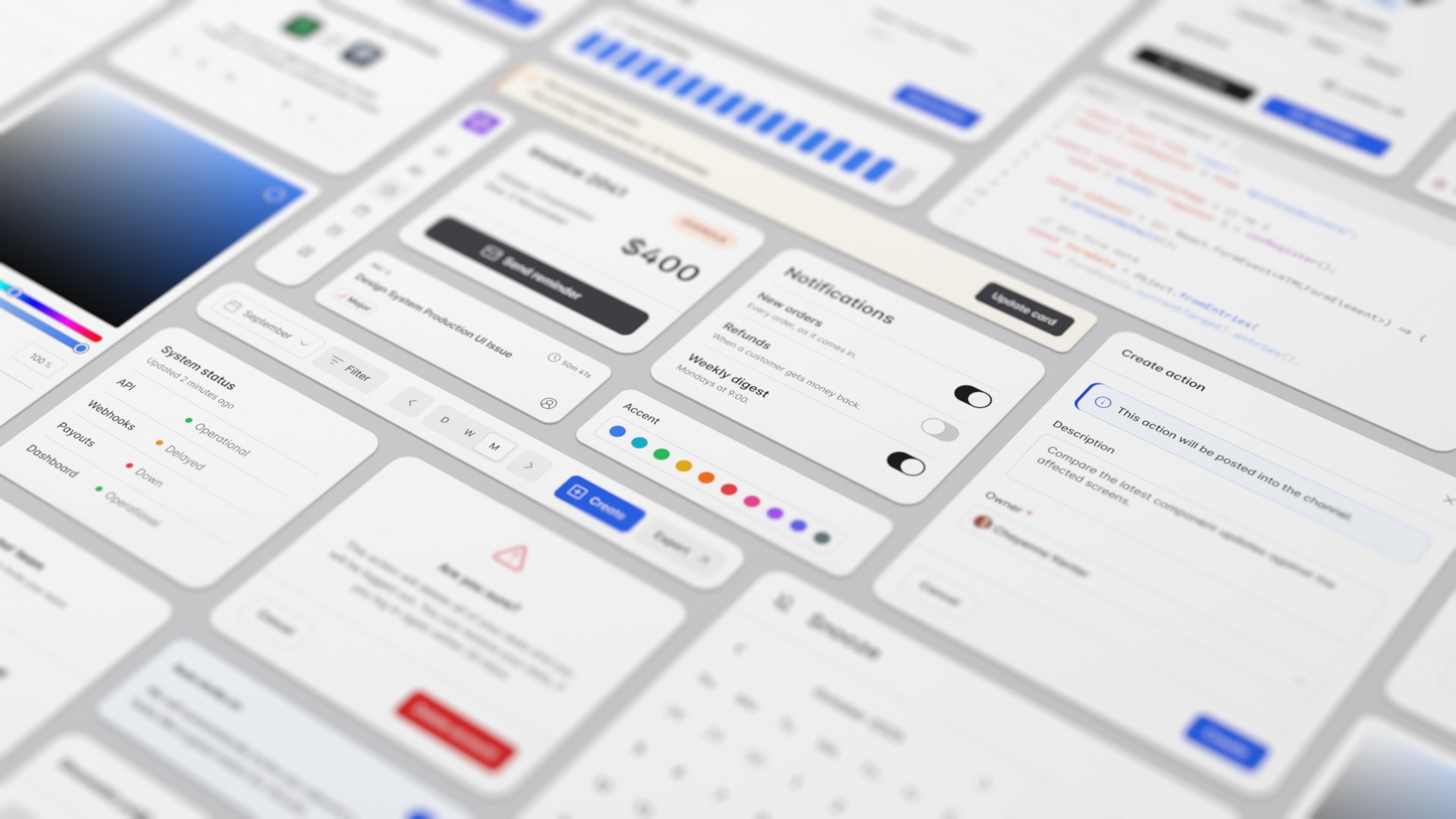
Canon is a component library for internal tools (tables, forms, dialogs) written in plain HTML. You add two lines from a CDN or npm, with no build step, and it works with whatever already renders your pages: Django, Rails, Laravel, Go, htmx or React. 67 of its 68 components work without JavaScript, accessibility is built into each component’s markup, light and dark modes follow the visitor’s system on their own, and six themes restyle the same markup without touching a line of HTML.
<link rel="stylesheet" href="css/canon/canon.css">

<button type="button" class="canon-button">
  <span class="canon-button-label">Save</span>
</button>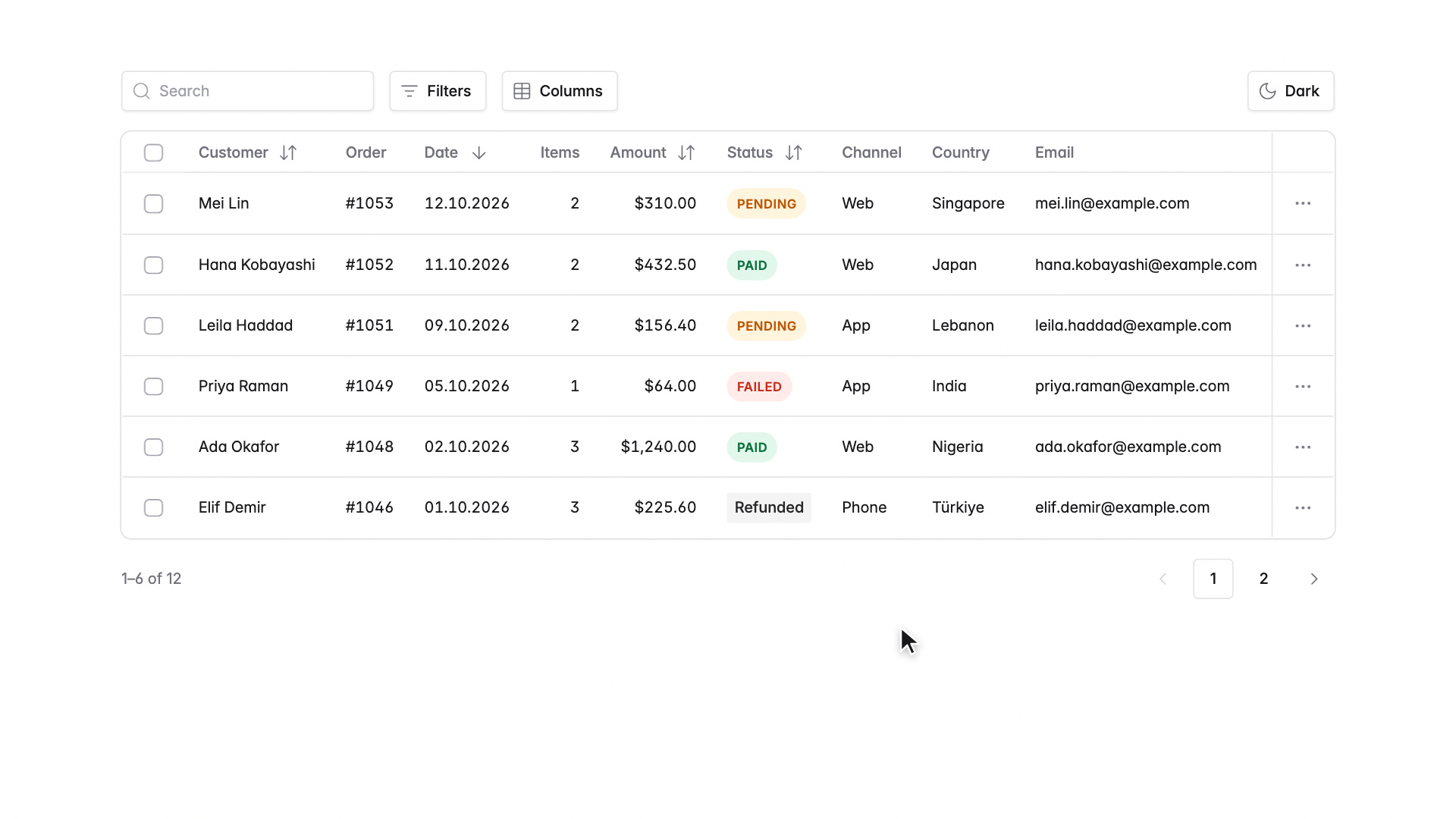
data- attributes, with no configuration object.<div class="canon-date" data-inline>
<input
type="date"
name="delivery"
value="2026-11-18"
min="2026-11-16"
max="2027-03-31"
data-weekdays="1-5"
data-unavailable="2026-11-26 2026-12-24/2026-12-25"
>
</div>min to max, and the days that are taken. Those days are greyed and can’t be picked, by pointer or keyboard. canon.js draws the calendar the same way in every browser; without it, the browser’s own date field still sends the same value.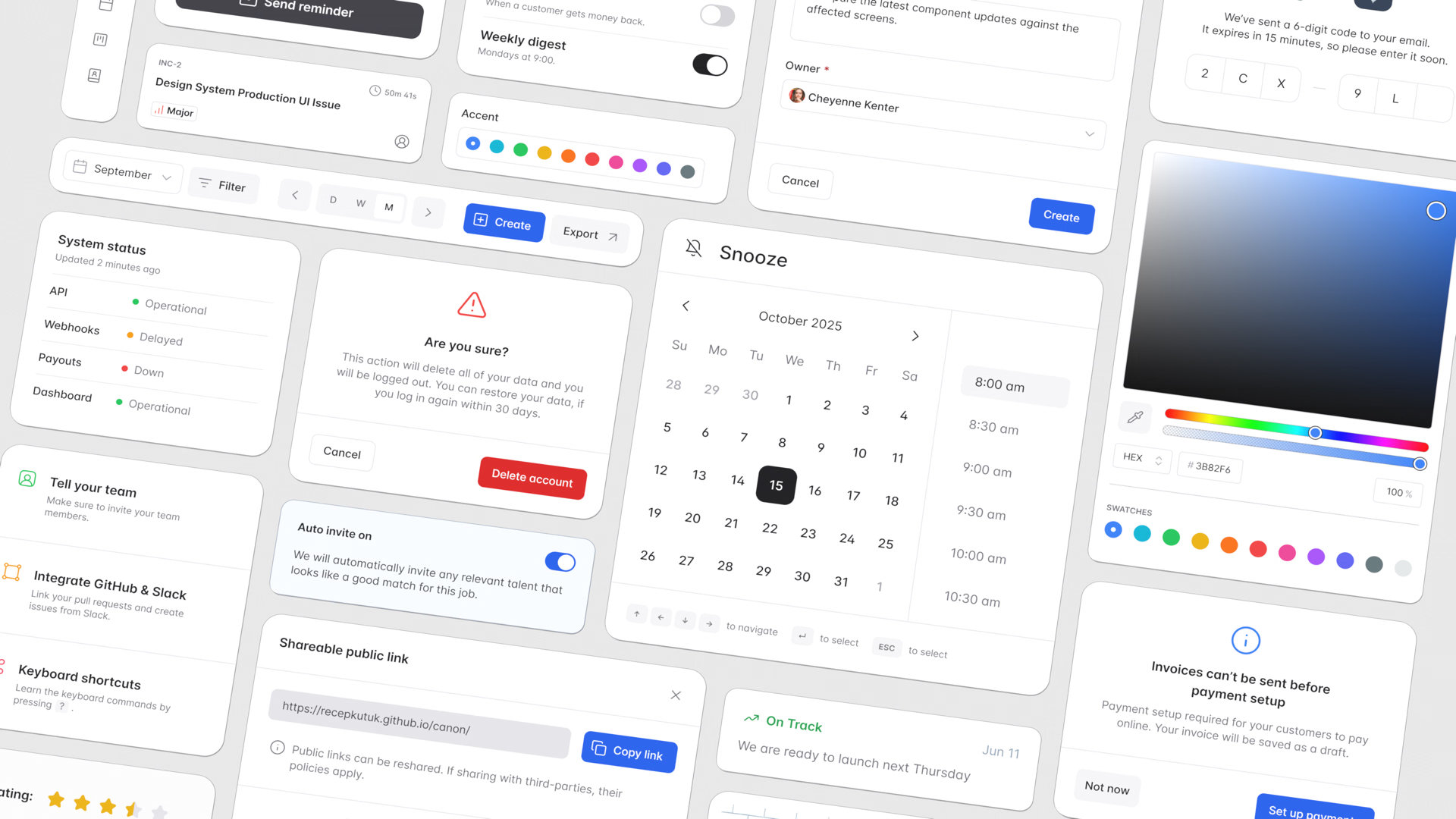
!important and no specificity battles. Adjusting a component for your product is an ordinary line of CSS, not a fork.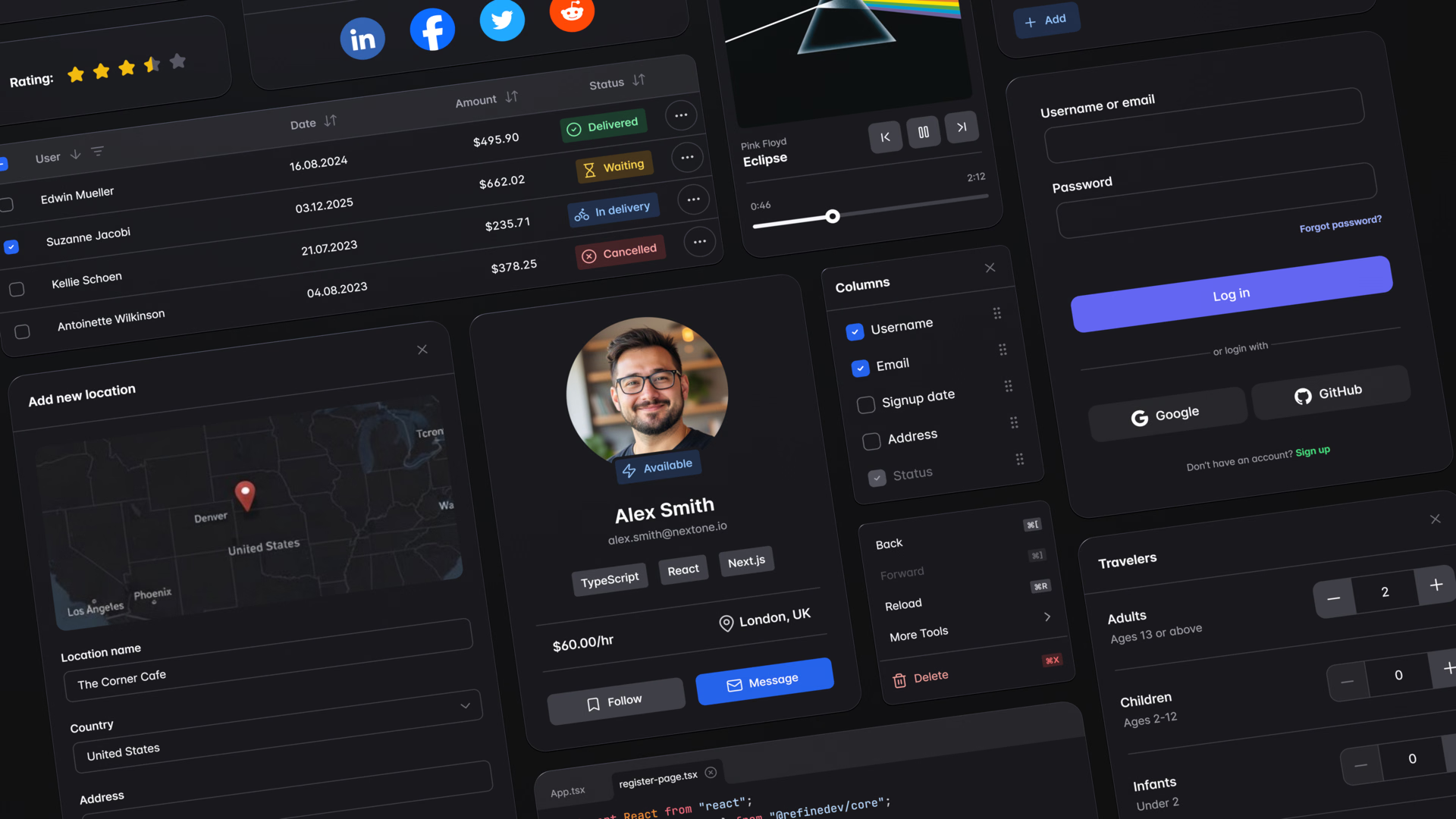
color-scheme picks the side, whether that follows the system or a switch like this site’s.What it isn’t. Canon is for the screens behind a product: admin panels, back offices, internal tools. It isn’t a JavaScript component library, an app framework or a kit for marketing sites, and at version 0.2 it’s still young. If your server already renders HTML, it’s two lines away:
<link rel="stylesheet" href="https://cdn.jsdelivr.net/npm/canon-ui@0.2.1/css/canon/canon.css">
<script src="https://cdn.jsdelivr.net/npm/canon-ui@0.2.1/js/canon.js" defer></script>